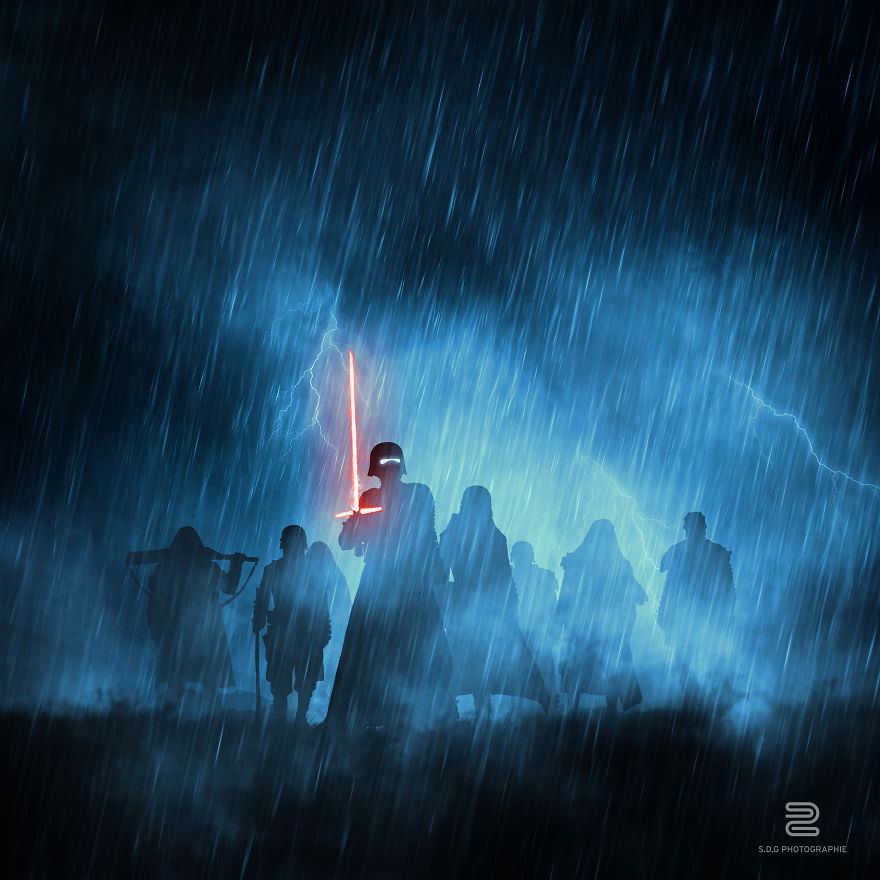
This series of images is about the planets of the Star Wars universe : Korriban, Mandalore, Rakata Prime, Naboo, Dathomir, Kamino, Geonosis, Felucia, Yavin IV, Hypori, Malastare, Dantooine, Serenno, Ryloth, Rugosa, Christophsis, Utapau, Mygeeto, Kashyyyk, Mustafar, Lah’mu, Wobani, Jedha, Eadu, Scarif, Tatooine, Hohth, dagobah, Bespin, Endor, The Death Star, Jakku, Takodama, Starkiller and Ahch-to. They are made with toys photography, taken with a source light on the background, for have a “silhouette” render.
More info: flickr.com | behance.net
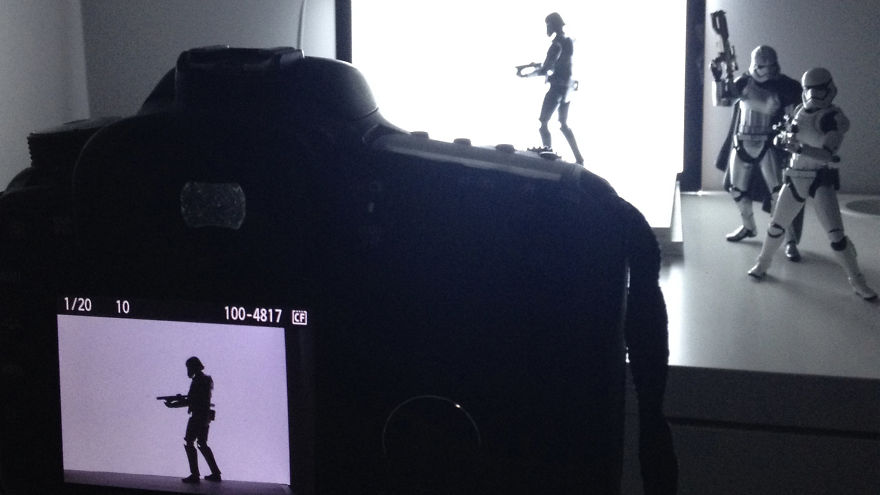
Take pictures of your toys with a light source on the background (here a light tablet)
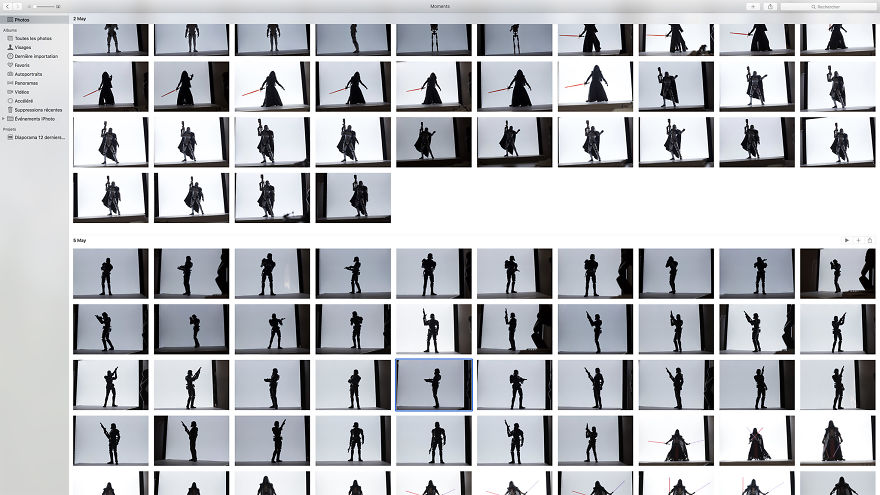
Select your favorite shots
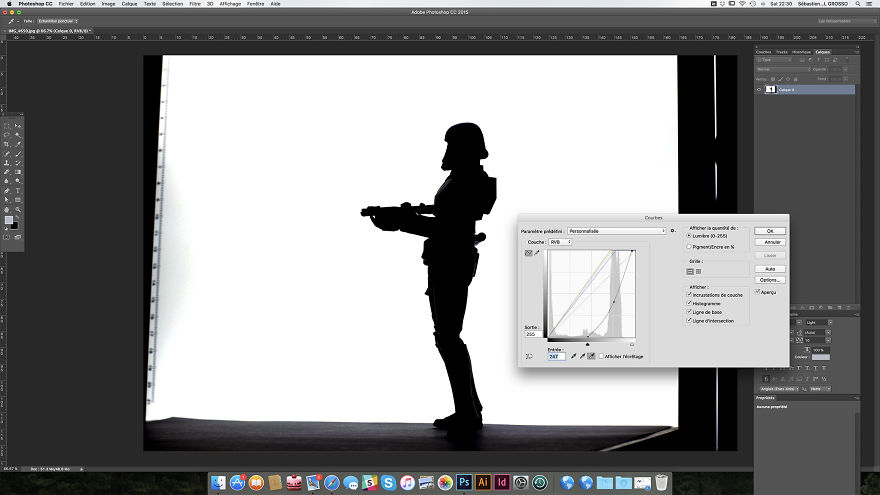
Use Photoshop curved tools to obtain this type of result
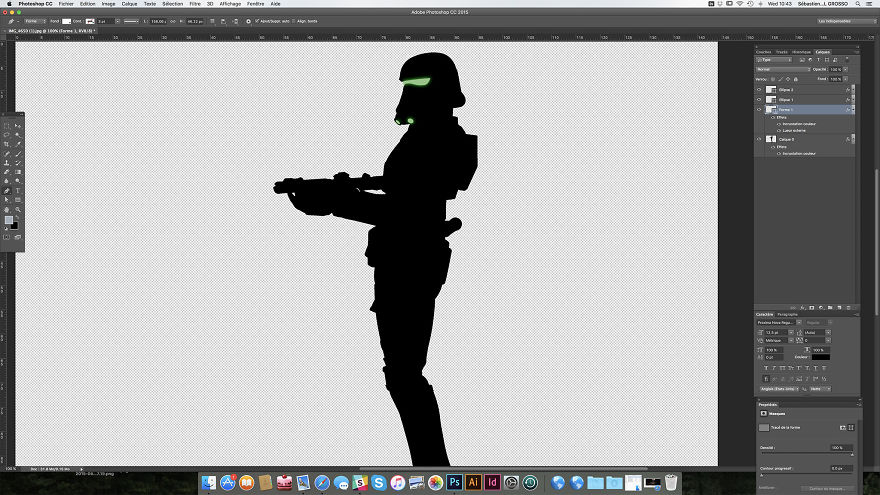
Redraw with the feather the eyes or the elements you want to bring out
Place your silhouette in a way to tell a story
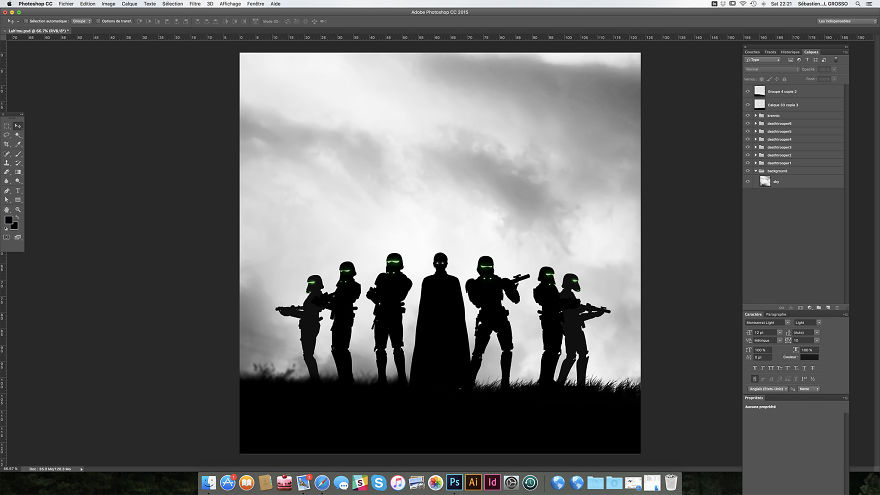
Polish the image with colors, rain effects, fire brushes or other texture
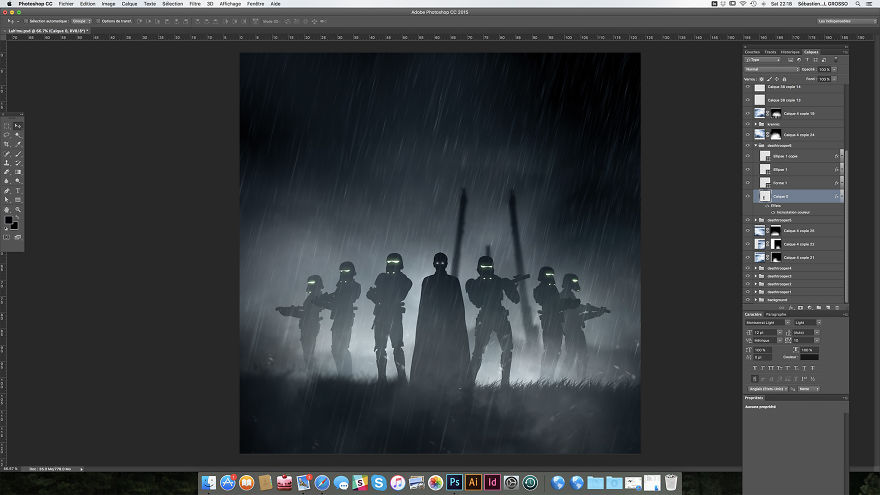
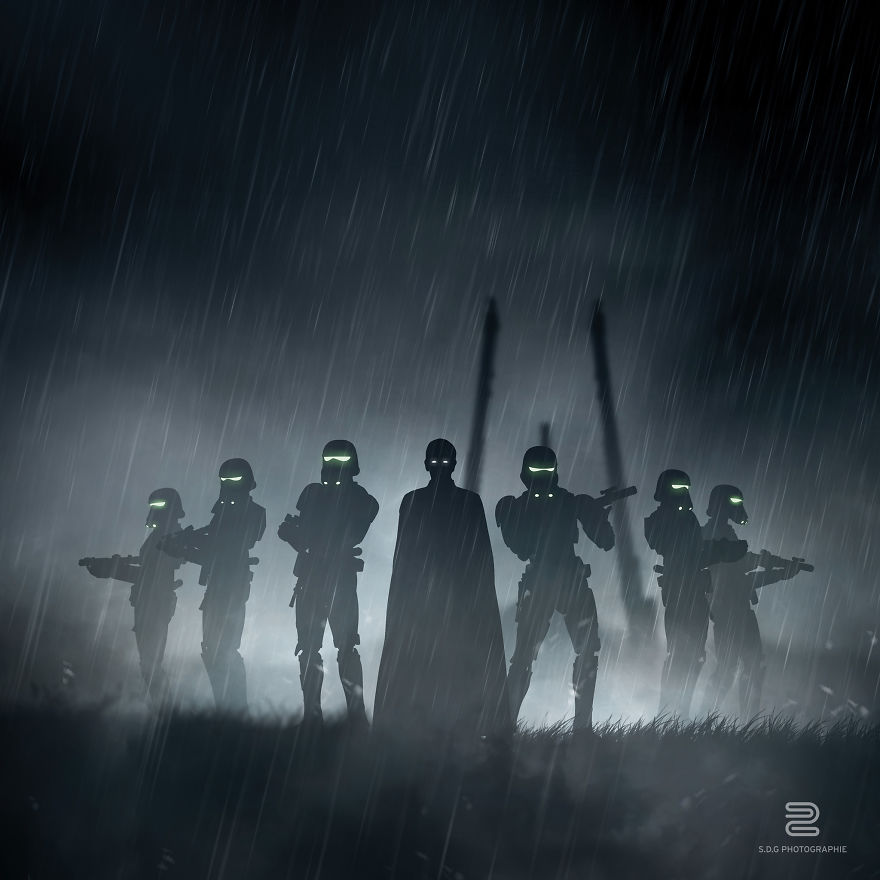
Lah’mu
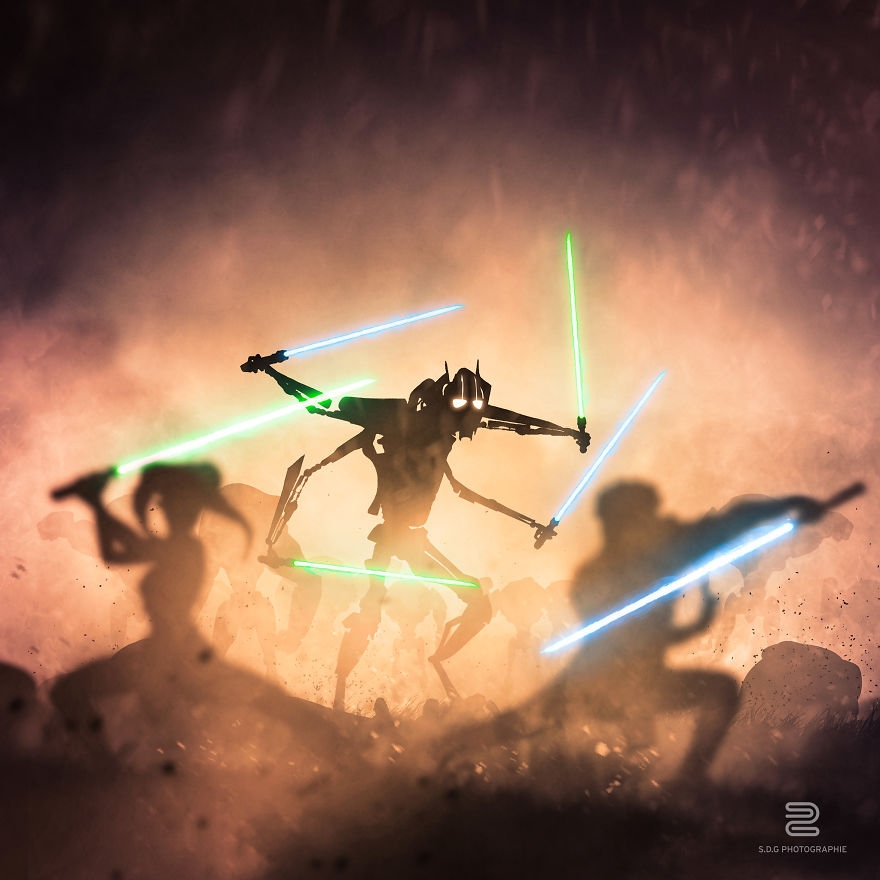
Hypori
Rakata Prime
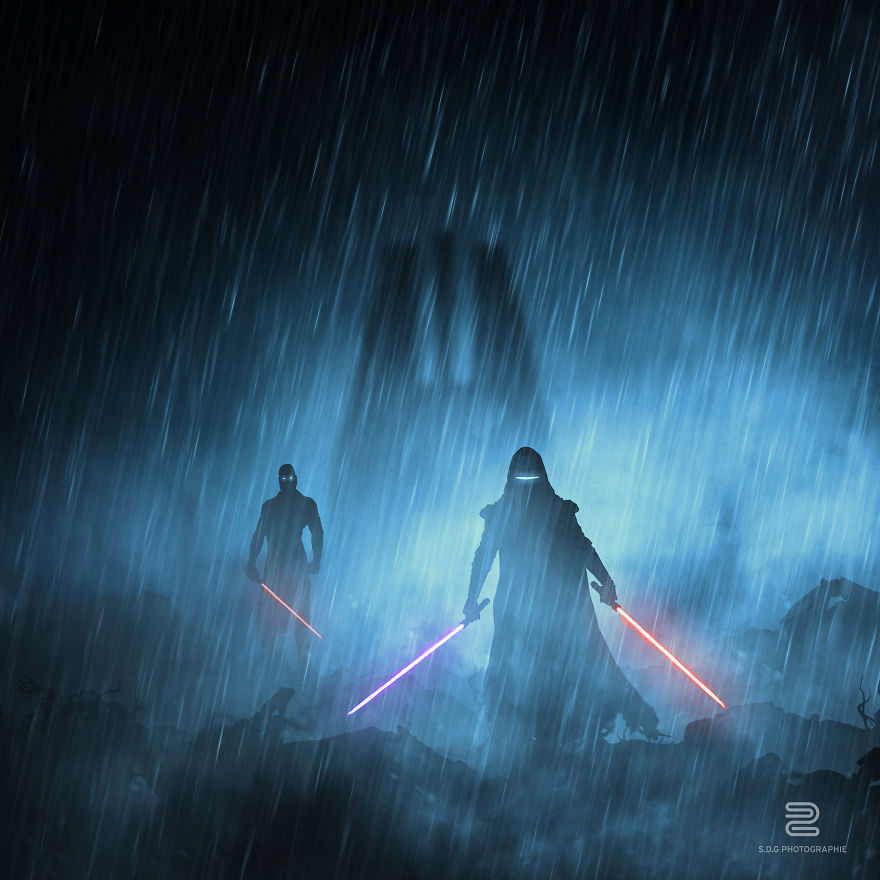
Bespin
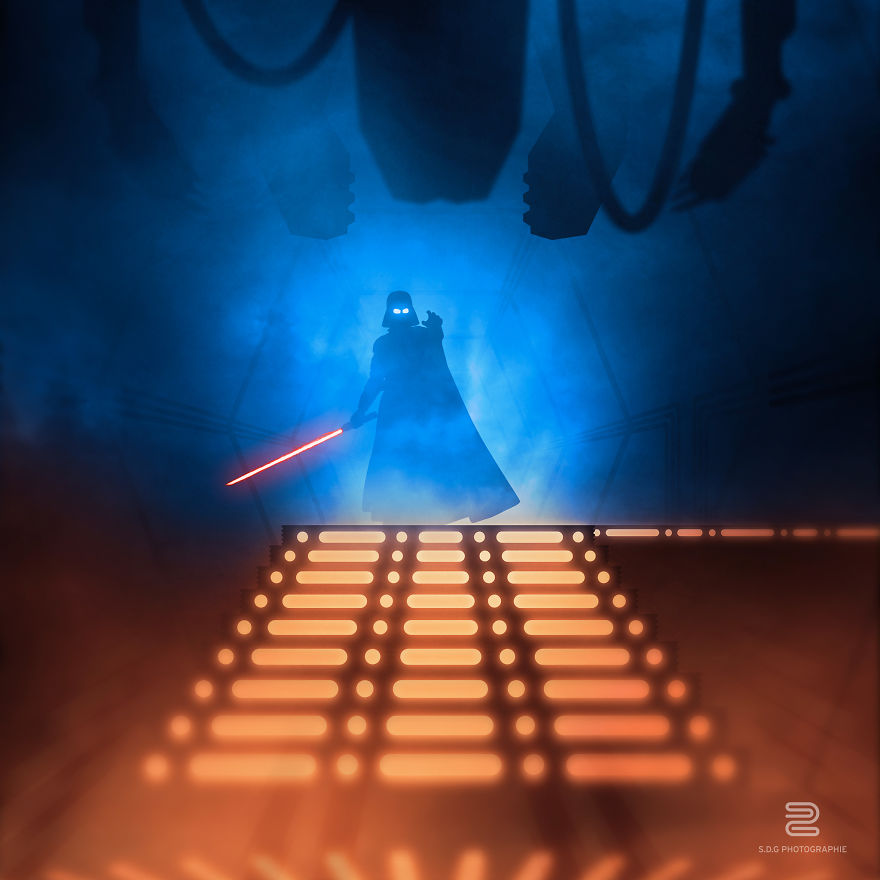
Jakku
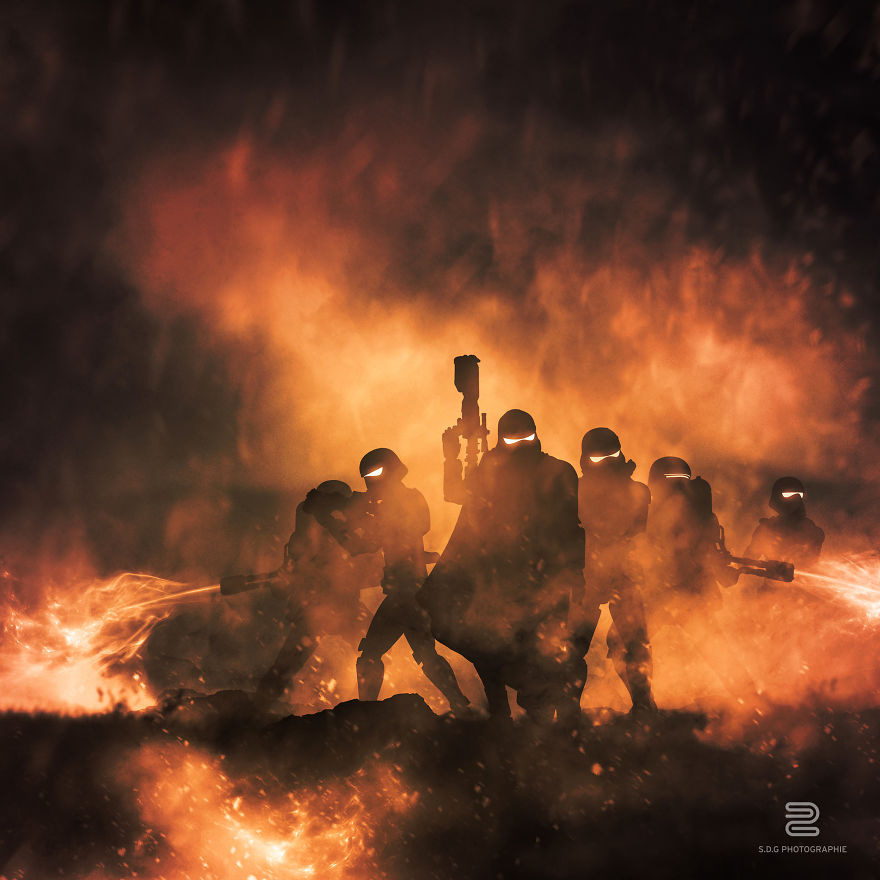
Kamino
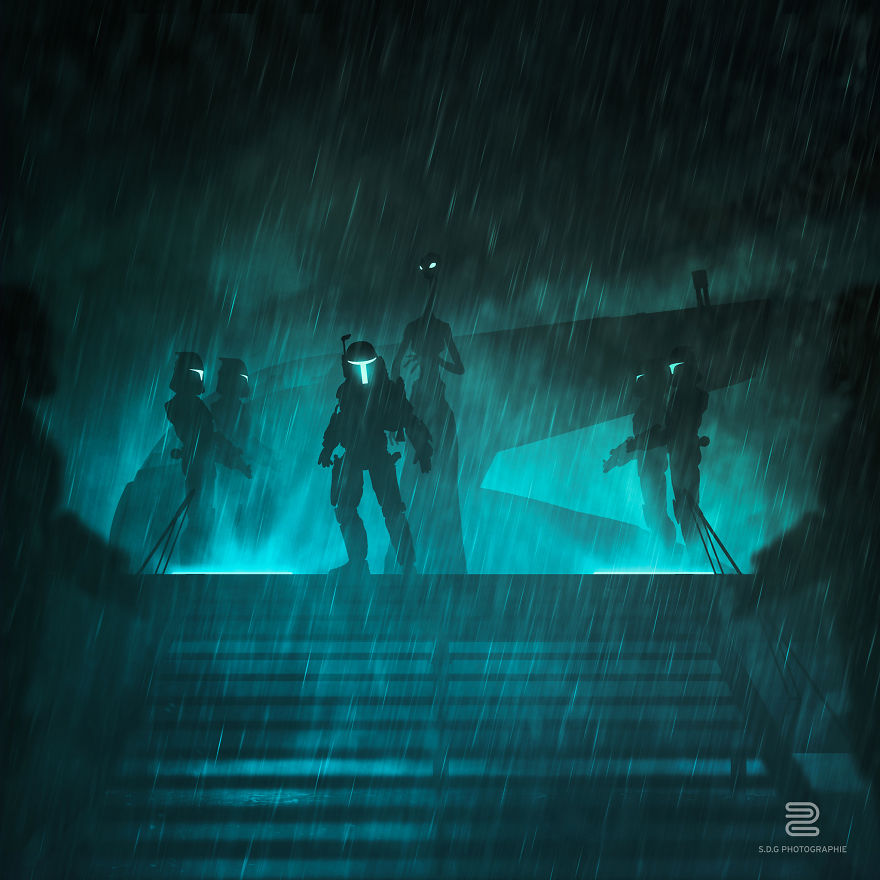
Death star
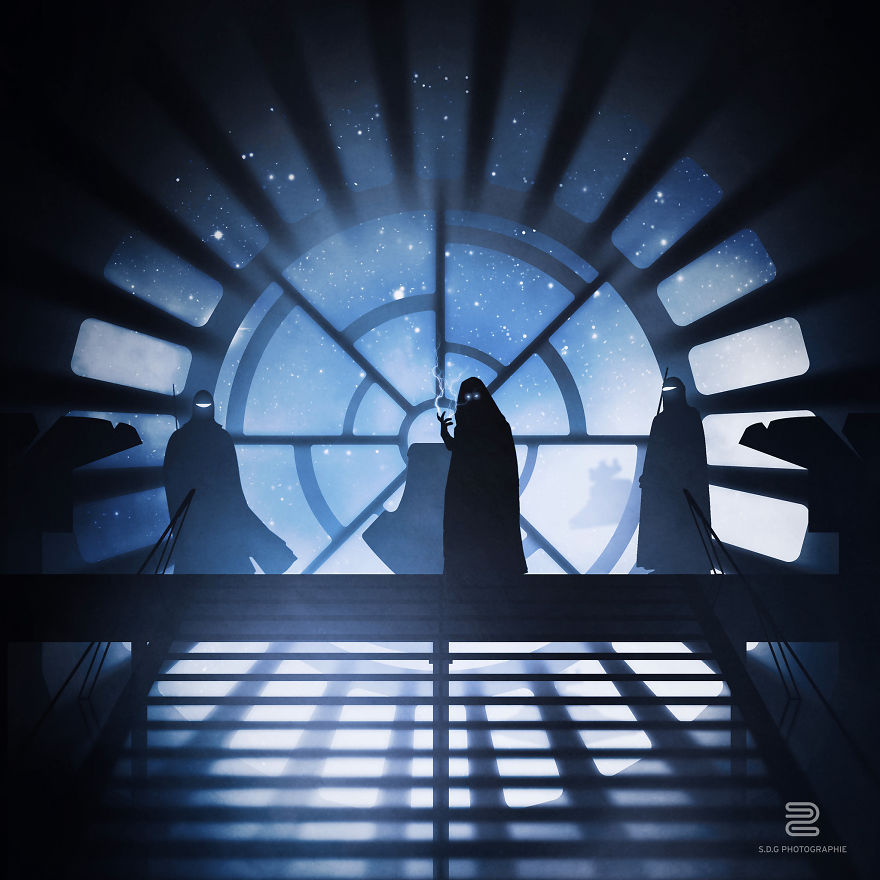
Mustafar
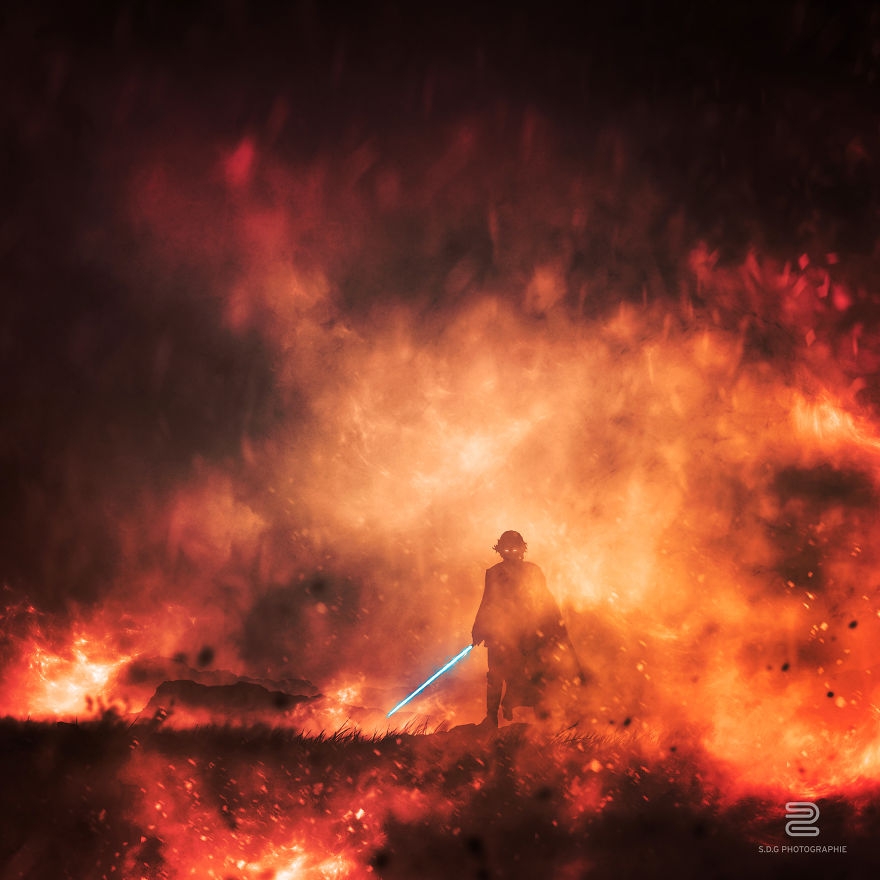
Yavin IV
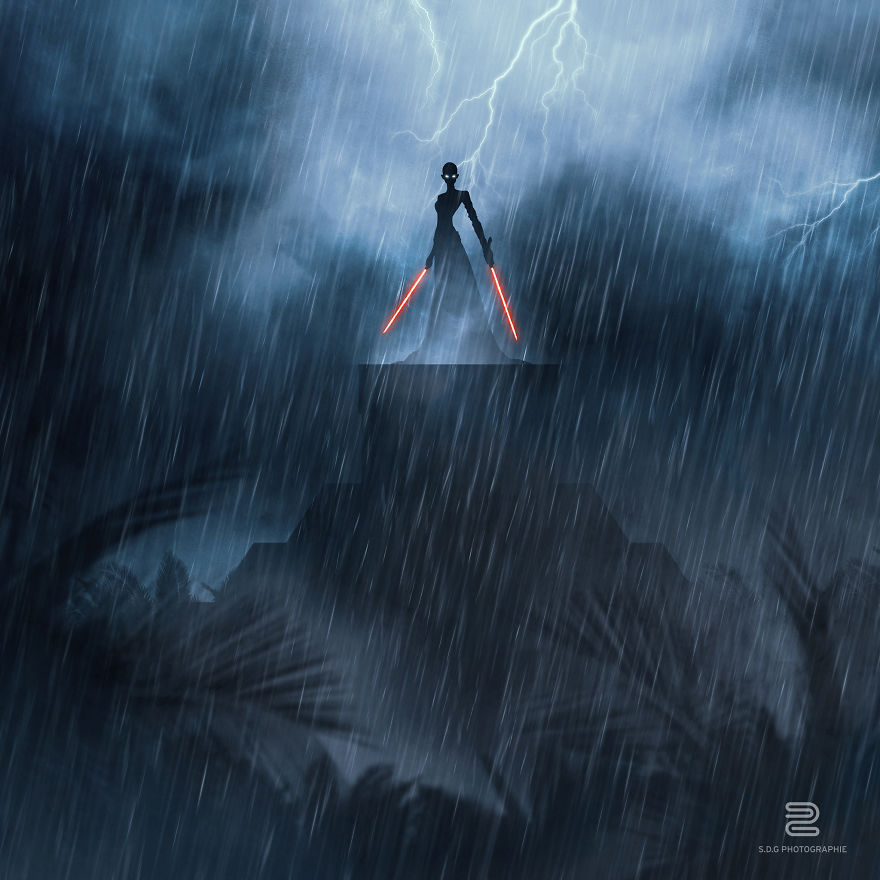
Sereno
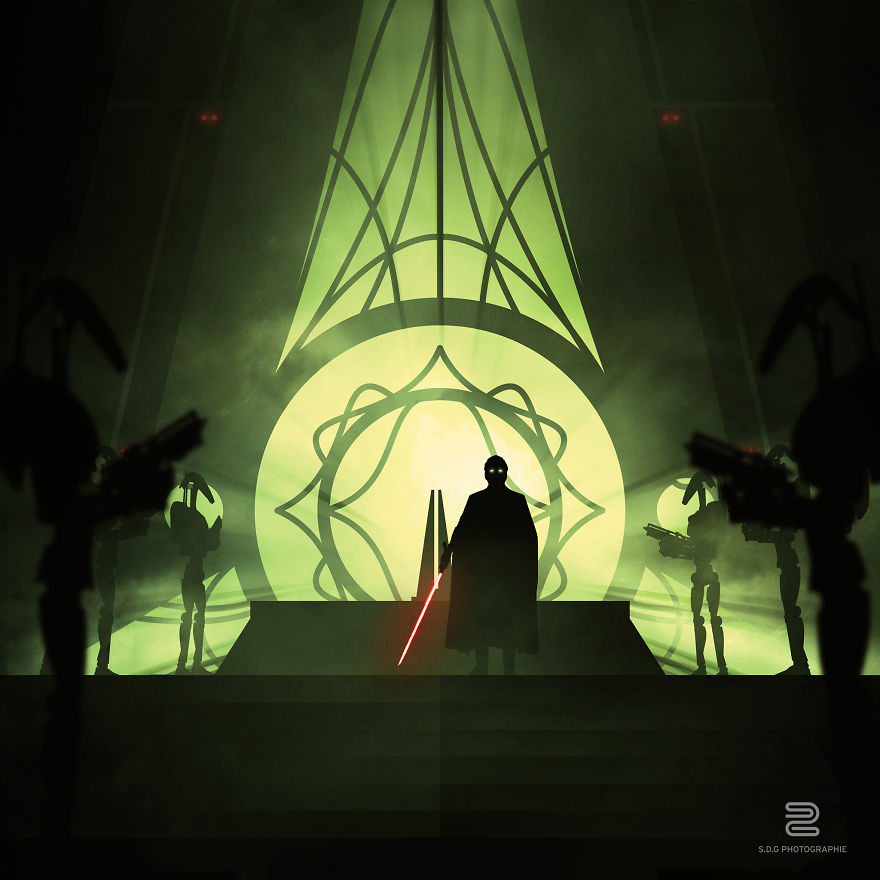
Ahch-to
Did you like this article? Follow us on Google News
 Follow Us